Just looking for our Best Refrigerator Repair Website examples list?
Why Website Design Matters More Than Ever in Appliance Repair
When someone’s refrigerator breaks down, they don’t want to scroll endlessly—they want a fast, trustworthy solution. The first impression your appliance repair website makes can determine whether that visitor becomes a paying customer or clicks away to a competitor.
For appliance repair businesses, your website isn’t just digital real estate—it’s your top salesperson. A high-performing site can generate leads around the clock, reduce no-shows, and support a smoother booking process. It reflects your professionalism, builds trust instantly, and answers the critical question: “Can I trust this company to fix my appliance today?”
In this guide, we’ll explore the key elements that make a company’s website convert: from intuitive layouts and mobile-first design to localized SEO strategies and innovative features like troubleshooting tools. Whether you’re launching a new site or revamping your current one, these strategies are designed to help your repair service stand out—and win more customers.
Website Planning & Purpose
The planning stage is where successful repair websites begin. Before any wireframes are sketched or copy is written, it’s crucial to define the site’s core goals. Those goals typically include driving more service calls, generating quote requests, showcasing credibility, and ranking locally in search.
During this phase, it’s essential to clarify what services are offered and which geographic areas are covered. Clear planning ensures the site will support long-term growth and content scalability. This is also the point to map out must-have features such as online scheduling, mobile responsiveness, live chat integration, or emergency contact visibility.
User personas should be developed to understand visitor intent—many will land on your site mid-crisis, searching for urgent help. That means your content strategy must balance reassurance, clarity, and fast paths to action.
Planning also involves researching competitors and identifying design gaps. If you’re unsure where to start, review this curated list of the best appliance repair websites to understand what works and how to differentiate.
When done right, the planning phase lays the groundwork for a high-performing, conversion-driven website that grows with your business.
Design Principles for High-Converting Company Websites
Designing for conversion and trust starts with prioritizing the user’s experience. In this industry, most website visitors are looking for quick answers and fast action. That means your design must be clean, intuitive, and focused on what matters most: connecting customers with the services they need.
First, use a strong visual hierarchy. Headlines should instantly communicate the type of repair service offered, such as “Fast Refrigerator Repair in [City]”—while subheadings reinforce benefits like same-day service, certified technicians, or satisfaction guarantees. High-contrast buttons and clear calls to action must be visible without scrolling.
Clutter is the enemy. A minimalist layout with generous white space makes your site easier to navigate, especially on mobile devices. Limit the number of navigation items to avoid cognitive overload. Every design element should serve a functional purpose—if it doesn’t help the user find information or take action, it shouldn’t be there.
Accessibility is also non-negotiable. Use large, readable fonts, strong color contrast, and descriptive alt text for images. Ensure the site is navigable via keyboard and compatible with screen readers. Accessibility helps users with disabilities, and it supports SEO and legal compliance.
Consistency in design reinforces brand trust. Use a unified color palette and typography across pages. Keep button styles, spacing, and layout patterns uniform. This gives your site a professional, polished feel that builds user confidence.
If you want deeper insights into layout and visual best practices, check out this guide on contractor website design, which shares transferable strategies for service-based businesses like appliance repair.
Ultimately, good design isn’t about flashy visuals—it’s about guiding your visitors to take action with clarity and ease.
Content & Navigation: Structure That Supports Conversions
Effective website content should reflect the way your customers think—quick, clear, and focused on solving problems. That means emphasizing service speed, expertise, and local availability with simple, action-oriented language.
Start with your homepage. It should provide a concise value proposition at the top, followed by key sections: services offered, service area highlights, recent reviews, and a bold call-to-action. The most important content should be visible without scrolling, especially on mobile.
Your navigation should support decision-making, not overwhelm it. A standard top-level menu might include: Home, Services, About, Reviews, Service Areas, and Contact. Each link should lead to a focused page designed for both SEO and user experience. Dropdowns should be used sparingly—only to expand service categories or locations.
Every service should have its own page. This improves your chances of ranking in search for specific queries like “Sub-Zero refrigerator repair in Chicago” or “same-day fridge repair near me.” Each page should include scannable content blocks, FAQ sections, trust signals, and a contact button.
Content should be broken into short, digestible sections with clear subheadings. Use bullet points, icons, and short paragraphs to improve readability. Mobile users tend to skim, so design for fast comprehension.
Internal linking is essential. Guide users to related services, testimonials, or booking pages within the body of your content. This helps with SEO and keeps visitors moving through your site.
Finally, organize your website for both humans and search engines. Clean navigation and well-structured content create a frictionless experience for your users and send strong relevance signals to Google. For a deeper breakdown, read this website organization guide and ensure your content architecture aligns with user intent.
Done right, strong content and navigation create a seamless experience that leads users exactly where you want them to go: the booking confirmation screen.
Visual Elements: How Imagery Shapes Trust and Conversion
Visual elements play a powerful role in guiding users and building trust on websites. Every image, icon, and visual cue should support clarity, reinforce the brand, and move the user toward action.
Start with photography. Avoid generic stock images and instead use high-resolution photos of your technicians in branded uniforms, service vans, and real client homes. Authentic imagery makes your business feel approachable and trustworthy. Showcase team members, tools in use, and before-and-after shots that communicate the quality of your work.
Icons and illustrations are useful for simplifying services and directing attention. Use custom or branded icons to represent service categories, guarantees, or features like same-day service or emergency response. These small visuals enhance scannability and make complex information digestible.
Color choice and branding should be consistent throughout the site. Your primary colors should evoke trust—blues, dark grays, or greens are often used in service industries. Accent colors should be used sparingly to highlight calls to action like “Book Now” or “Request a Quote.”
Video, when available, is a high-converting visual tool. A short explainer video or a customer testimonial can quickly communicate credibility, show real results, and humanize your brand. Place videos near booking buttons or service sections to reinforce action.
Don’t forget to use white space intentionally. Space between sections and around visual elements keeps your layout breathable and avoids overwhelming users. A clutter-free design feels modern, professional, and calming—key emotional triggers when someone is dealing with a broken appliance.
Every visual element should enhance usability and decision-making. If it’s decorative only, reconsider it. In a high-stakes industry where people need fast answers, clean and helpful visuals outperform flashy effects every time.
Ongoing WordPress Maintenance for Professional Websites
Launching a new website is just the beginning. WordPress websites need consistent maintenance to stay secure, functional, and optimized for performance. Regular updates protect your site from vulnerabilities, ensure compatibility with plugins, and keep everything running smoothly for customers searching for your services online.
Security is one of the top reasons to stay on top of WordPress updates. Outdated plugins and themes are common entry points for hackers. Regularly installing the latest WordPress core and plugin updates helps close those gaps before they become threats.
Performance is another key factor. Over time, image files, outdated scripts, and unused plugins can slow down your site. A monthly maintenance routine should include speed audits, image compression, and removal of anything that bloats your load time. Speed matters—especially when a frustrated customer is waiting for your homepage to load on mobile.
Backup management is critical. A reliable backup system allows you to restore your site quickly if anything goes wrong. Whether it’s a failed plugin update or accidental deletion, a recent backup can prevent lost leads and prolonged downtime.
Ongoing monitoring also helps maintain SEO performance. Broken links, outdated service area information, or missing meta tags can creep in unnoticed. Routine content checks and site audits help you stay visible in local search results.
If your team doesn’t have time to manage this internally, work with a partner who specializes in WordPress maintenance for appliance repair companies. A proactive maintenance plan ensures your website continues working as hard as you do—every day, around the clock.
Best Appliance Repair Service Website Design Examples
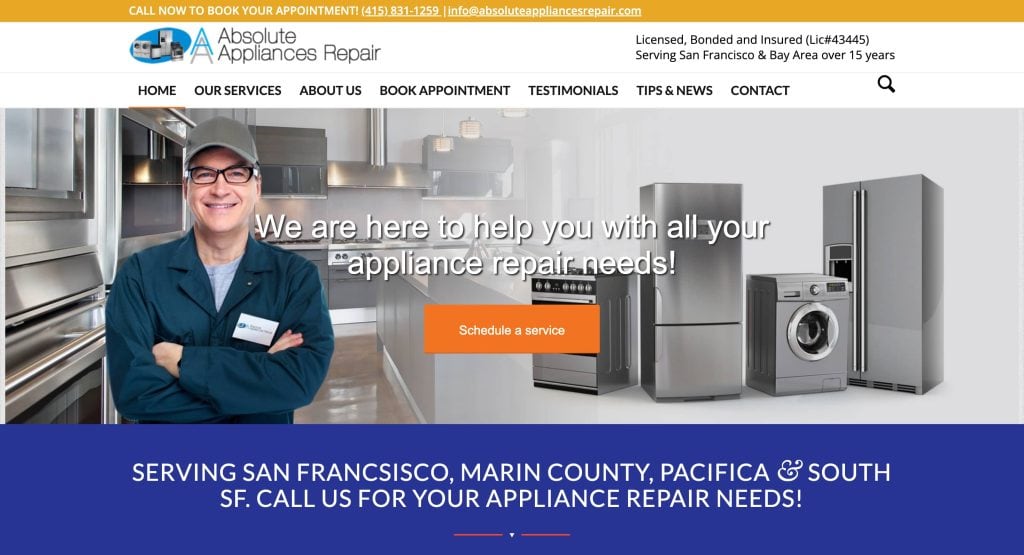
1. Absolute Appliances Repair
Location: San Francisco, CA
Key Takeaways:
- Clean, intuitive design that prioritizes service requests.
- Prominent placement of reviews and service guarantees.
- Mobile-optimized with click-to-call functionality.
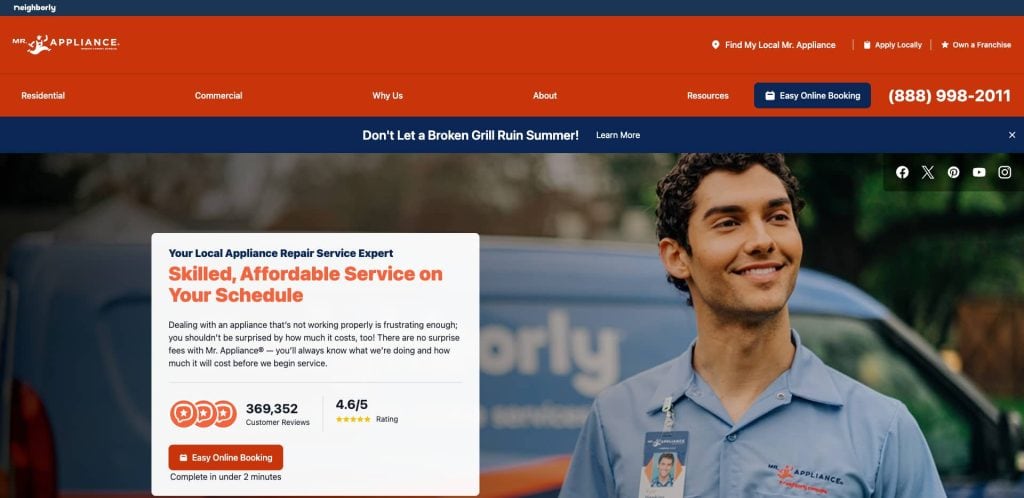
2. Mr. Appliance
Location: Waco, TX
Key Takeaways:
- Corporate-level branding with franchise locator.
- Detailed service breakdown by appliance type.
- Strong lead gen via coupons and scheduling tools.
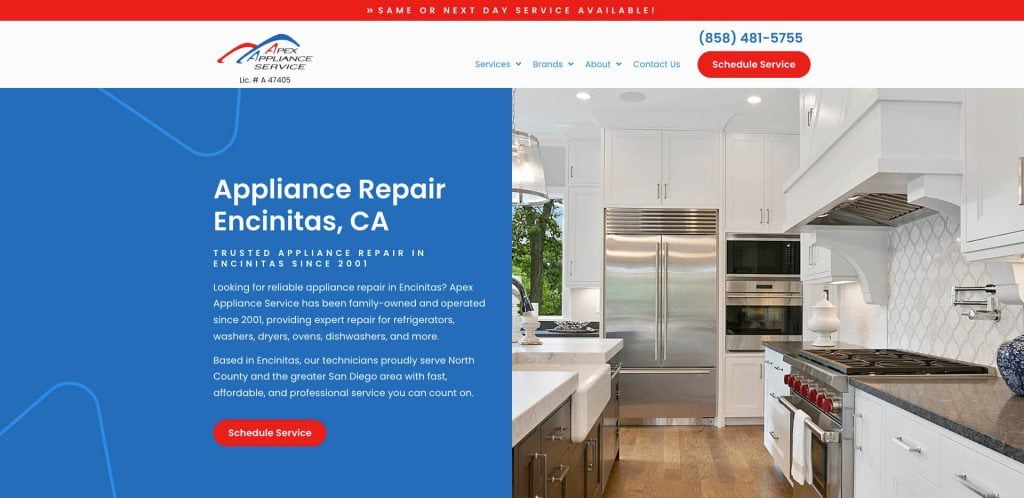
3. Appliance Repair San Diego
Location: San Diego, CA
Key Takeaways:
- Clear navigation focused on appliance categories.
- Strong CTA placement and user-first content.
- SEO-focused service area landing pages.
4. Fix Appliances CA
Location: Austin, TX
Key Takeaways:
- Sleek, responsive layout optimized for mobile users.
- Live chat support and AI chatbot integration.
- Local-focused SEO for appliance repair services
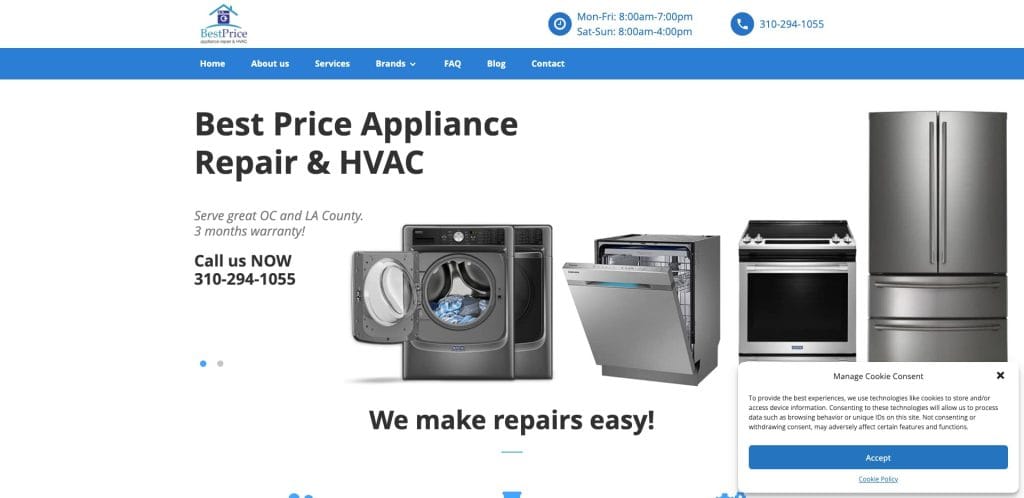
5. Best Price Appliance Repair
Location: Los Angeles, CA
Key Takeaways:
- Quick form above the fold to request service.
- Multiple calls to action on each page.
- Embedded reviews and Google rating for trust.
6. Absolute Appliance Repair
Location: Atlanta, GA
Key Takeaways:
- Simple layout with a focus on fridge repair.
- Contact form and local phone number on every page.
- Optimized image gallery for mobile and desktop.
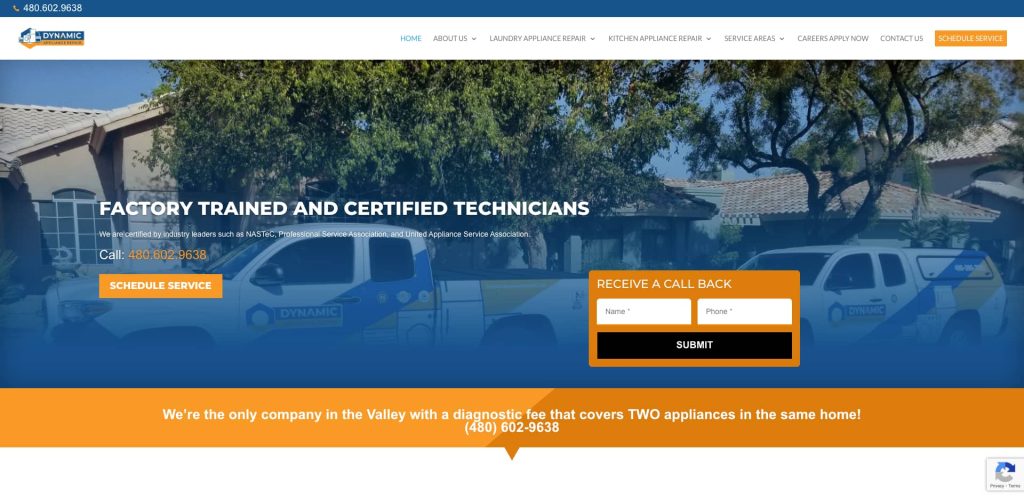
7. Dynamic Appliance Repair
Location: Scottsdale, AZ
Key Takeaways:
- Bold visuals with a localized SEO strategy.
- Structured data implemented for service pages.
- Testimonials are featured in a carousel format.
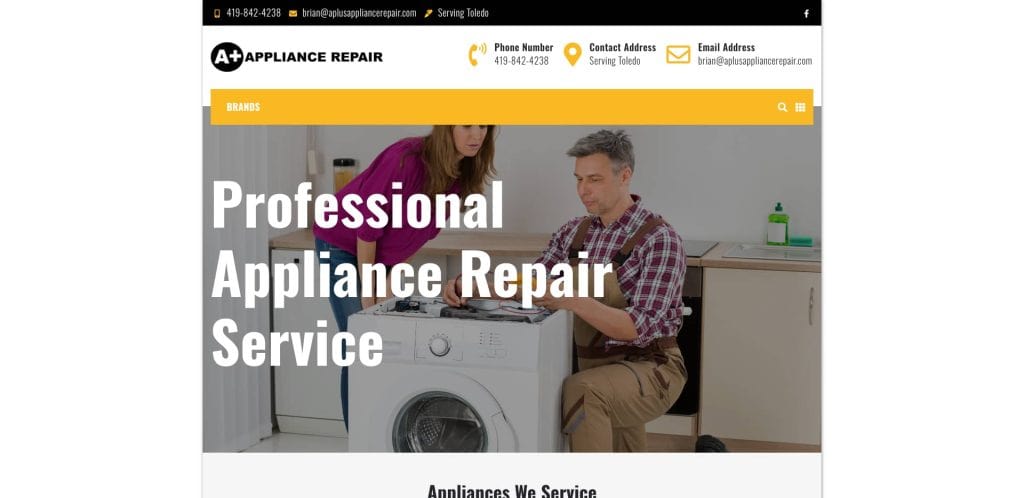
8. A+ Appliance Repair
Location: Chicago, IL
Key Takeaways:
- Custom appliance repair web design with lead funnel.
- Local trust signals with map integration.
- Mobile-first booking UX.
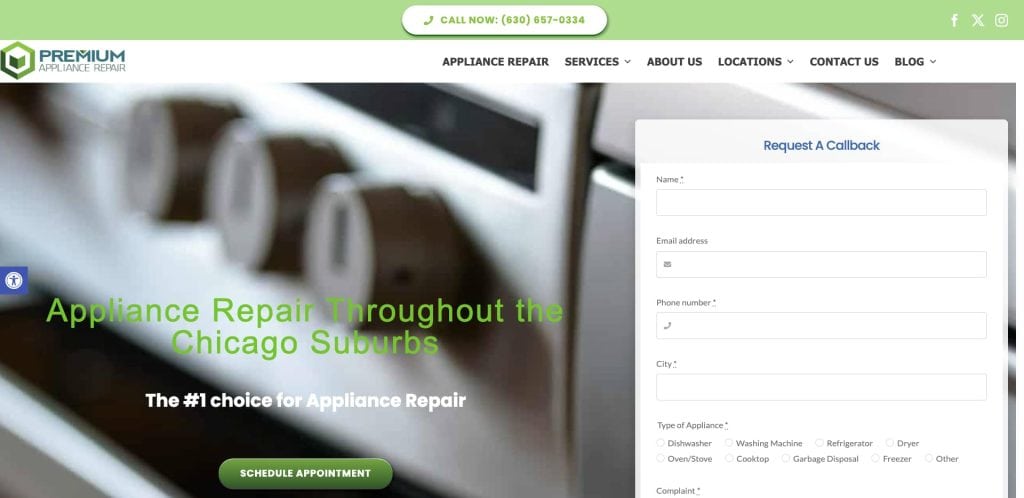
9. Premium Appliance Repair
Location: Naperville, IL
Key Takeaways:
- Professionally branded homepage with clear CTAs.
- Responsive appliance repair service layout.
- Appliance-specific service detail pages.
10. Apex Appliance Service
Location: Milwaukee, WI
Key Takeaways:
- Fast-loading layout with optimized performance.
- Strong brand elements and client review highlights.
- Keyword-rich appliance repair marketing content.
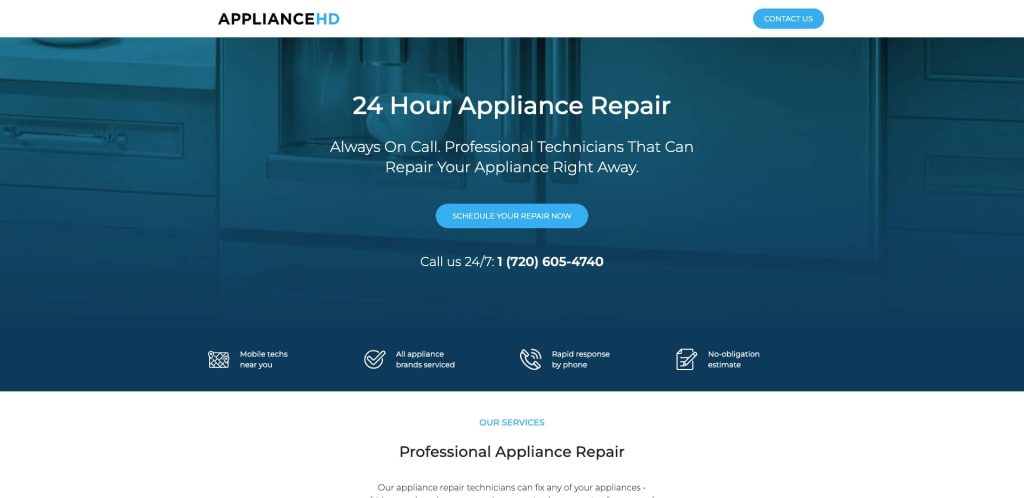
11. Appliance HD
Location: Tampa, FL
Key Takeaways:
- Streamlined navigation with service filtering.
- Schema markup and keyword-rich copy.
- Local landing pages drive targeted traffic.
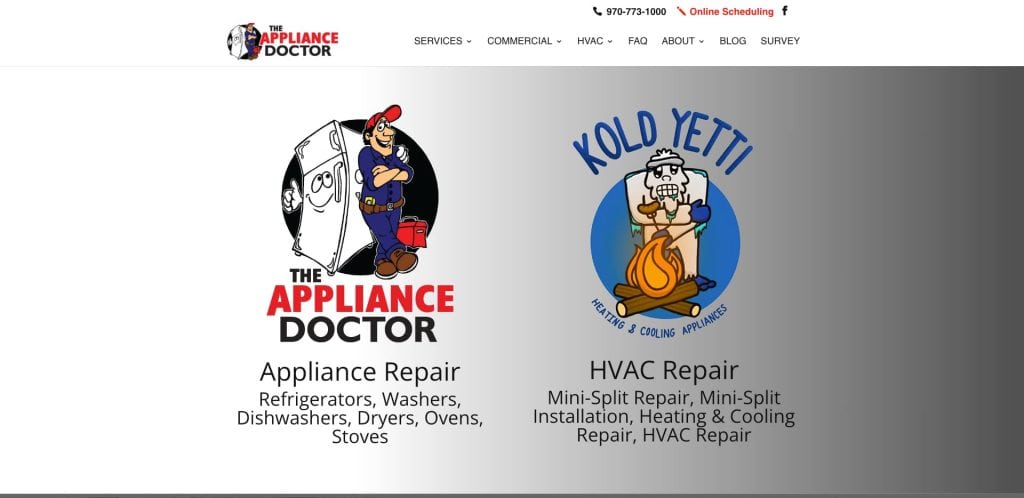
12. The Appliance Repair Doctor
Location: Grand Junction, CO
Key Takeaways:
- Uses bold trust icons and badges.
- High-quality images of technicians on the job.
- Immediate access to contact and booking forms.

13. Sears Home Services
Location: Chicago, IL
Key Takeaways:
- Brand authority combined with a user-friendly layout.
- Integrated appliance maintenance tips.
- Schedule system integrated with the user’s zip code.
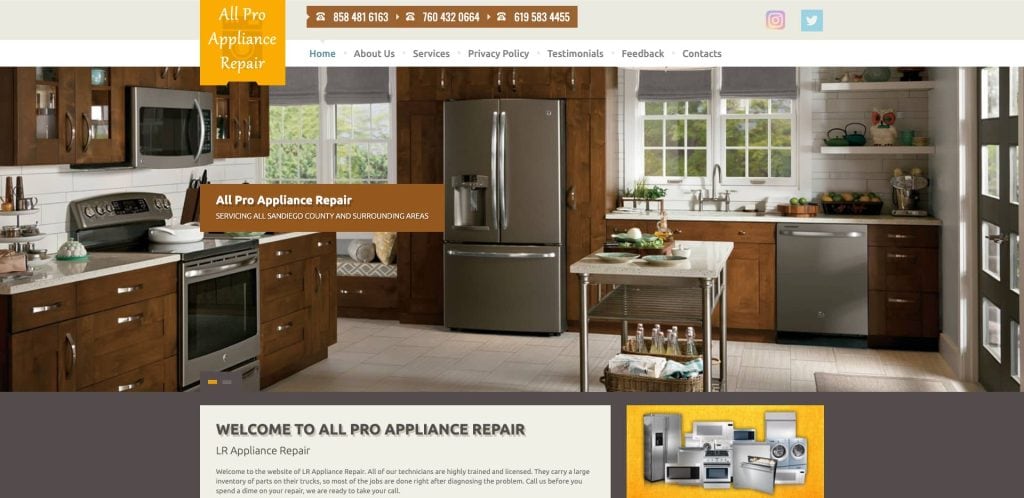
14. All Pro Appliance Repair
Location: Nashville, TN
Key Takeaways:
- Targeted content for major appliance types.
- “Request Repair Today” CTA featured on every page.
- Blog with appliance care and repair tips.

15. Atlanta Appliance Services
Location: Atlanta, GA
Key Takeaways:
- Strong service breakdown for refrigerator types.
- Simple site with clear contact paths.
- Emphasis on 5-star local reviews.

16. Best Expert Appliance Repair
Location: Phoenix, AZ
Key Takeaways:
- Clean and responsive design with an intuitive menu.
- Strong CTA placement drives phone calls.
- Clear coverage of appliance types and brands.
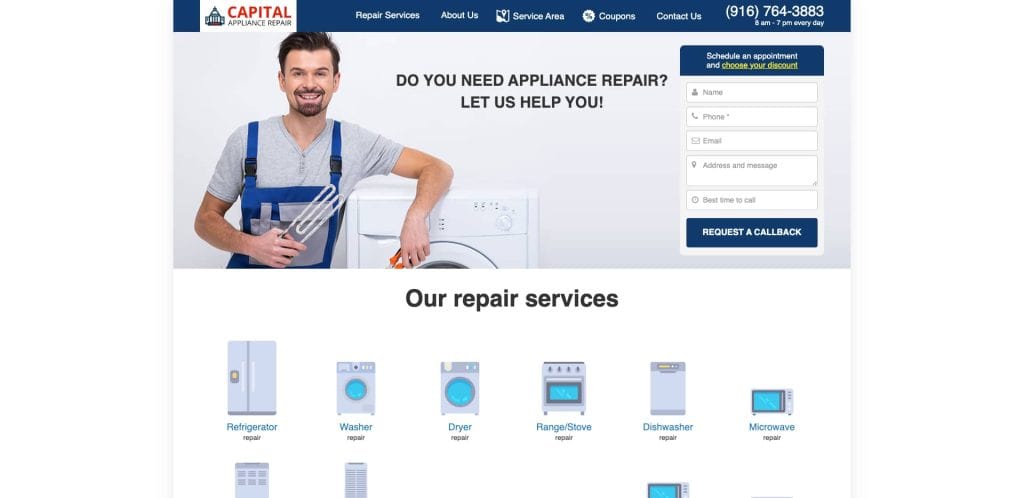
17. Capital Appliance Repair
Location: Washington, D.C.
Key Takeaways:
- Easy booking system with calendar integration.
- Brand-focused visual hierarchy.
- Blog for common fridge repair questions.
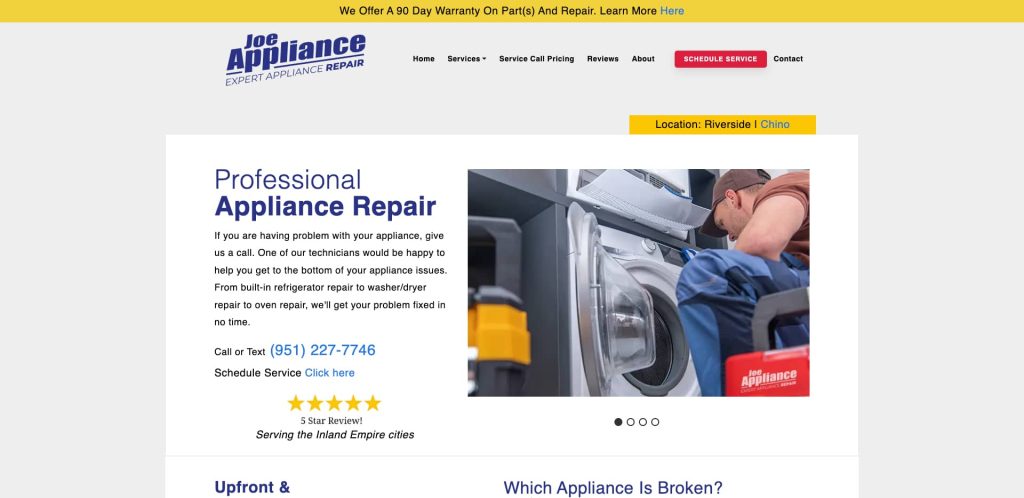
18. Joe’s Appliance Repair
Location: Riverside, CA
Key Takeaways:
- Service by appliance and brand with unique URLs.
- Transparent pricing models.
- 24/7 callout option highlighted at the top of the site.
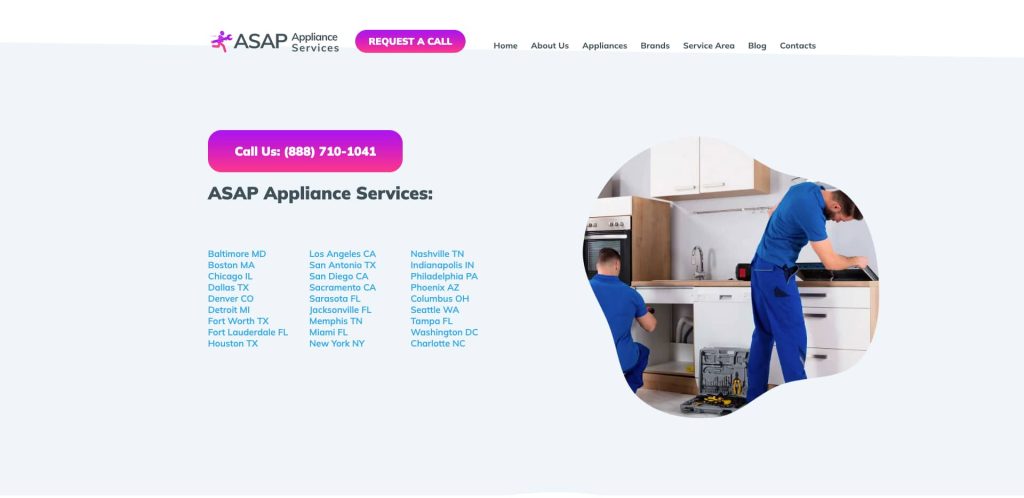
19. ASAP Appliance Repair
Location: Denver, CO
Key Takeaways:
- Responsive design for mobile traffic.
- Social proof and ratings near every CTA.
- Focused on urgent repair bookings.
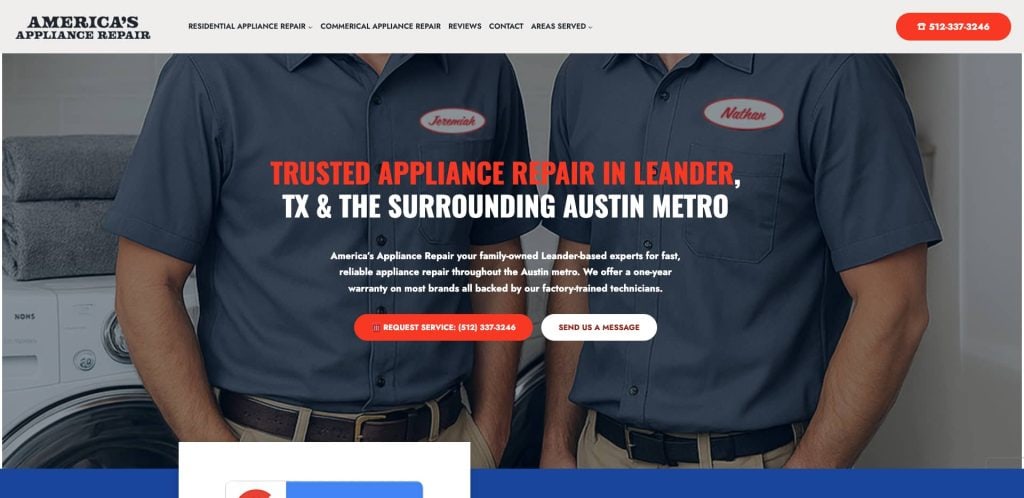
20. Appliance Repair 512
Location: Austin, TX
Key Takeaways:
- Geotargeted pages for suburbs and surrounding areas.
- Branded video content to introduce services.
- Clear pricing callouts per appliance.
Ready to Turn Website Traffic into Real Leads?
Your fridge repair website isn’t just a digital brochure—it’s a vital tool for attracting and converting local customers. A strong site design with responsive design, fast booking access, and SEO-friendly structure makes all the difference in the appliance repair industry. Whether you’re starting fresh with appliance repair website templates or refining an existing design, the right layout and content strategy can keep your appliance repair leads flowing.
If you’re ready to improve your repair service website’s user experience and help build trust with your customers, we’re here to help. Contact our team of experts today to get started building a high-performing website tailored for appliance repair services.
FAQs: Appliance Repair Site Design
What pages should an appliance repair website include?
Every appliance repair website should include a homepage, services pages for each specific appliance, a contact page, an about page, and service area pages. You can also increase visibility by including an FAQ page and a blog for appliance care tips. For more on content structure, see our website organization guide.
Why is responsive design important for appliance repair websites?
Responsive design ensures your site looks and functions well on all devices, especially smartphones. Most users search for appliance repair services on their phones, so your layout must be mobile-optimized to capture those leads and reduce bounce rates.
How can appliance repair websites generate more leads?
You can generate more appliance repair leads with a clear CTA, online booking, keyword-rich content, and CRO-focused elements like trust badges and testimonials. Optimizing each page for local search terms and using internal links also improves your visibility.
What role does SEO play in site design?
SEO helps your appliance repair website show up in search engines when potential customers look for services like “microwave repair” or “appliance technician near me.” Implementing structured data, targeting local keywords, and keeping your website up-to-date are essential SEO steps.
Should I use templates or build a custom site?
Templates are fast and affordable, but a custom appliance repair web design gives you greater control, scalability, and local SEO performance. It’s the better route for serious appliance marketing pros who want to stand out in a competitive local market.
How can I build trust through my website?
To help build trust, showcase reviews, before-and-after photos, certifications, and guarantees. Including photos of your appliance technicians and detailed descriptions of the appliance repair services you offer also strengthens credibility.
How often should I update my appliance repair website?
Keep your appliance repair website updated monthly with blog content, reviews, or seasonal service offerings. Regular WordPress maintenance also ensures your site stays secure and optimized.
What are the best practices for creating a website for appliance repair?
The best practices include fast load times, easy navigation, a strong visual hierarchy, responsive design, localized content, and accessible forms. Prioritize user experience and help visitors find what they need within three clicks.
How do I highlight specific appliance services like dryer repair or range repair?
Create individual pages for each appliance and use keywords like “dryer repair” or “home appliance repair” in the headings, meta tags, and content. This strategy helps capture targeted searches and improves your appliance repair website’s authority.
What makes a great appliance repair website stand out?
A great appliance repair website combines strong branding, strategic SEO, effective content layout, and a design that supports real user behavior. It loads fast, ranks well, and makes it easy for appliance repair customers to take action.