
Just looking for our Best Cell Phone Repair Website examples list?
Why Your Mobile Phone Repair Website Design Could Be Costing You Business
Today, having a reliable set of tools and skilled technicians isn’t enough to grow your mobile phone repair business. If your website looks outdated, loads slowly, or lacks credibility signals, you’re likely losing potential customers before they even pick up the phone—or worse, before they find you online.
A modern, user-friendly website is one of the most powerful assets your repair services business can have. It’s more than just a digital brochure—it’s a sales engine, trust-builder, and the core of your online presence. Whether you’re trying to attract local customers searching for quick fixes or establish your shop as a go-to for smartphone repairs, your website’s design directly impacts conversions, customer trust, and long-term revenue.
In this guide, we break down what makes an exceptional mobile phone repair website—from the design foundation to performance, local SEO strategies, and advanced conversion techniques. You’ll learn what sets top-performing repair businesses apart and how to apply those insights to your own digital strategy.
Laying the Groundwork: Planning a Website That Performs
Before diving into visuals or code, every successful website begins with thoughtful planning. For repair businesses, this step is critical—it defines how well your site serves customers, how effectively it converts traffic, and how visible it is in local search results. Skipping this foundational phase often leads to disjointed, underperforming websites that fail to support long-term growth.
The planning phase should begin with clarity on your business goals. Are you aiming to increase in-store foot traffic? Promote same-day repairs? Build trust in your smartphone expertise? Each objective impacts your layout, navigation, and content strategy. For example, a business prioritizing walk-ins might emphasize location and contact info, while one targeting online scheduling would focus on a streamlined booking experience.
Equally important is identifying the customer journey. Most visitors arrive with a specific device issue. Your site should guide them seamlessly from search engine query to solution—highlighting services, estimated pricing, turnaround time, and trust signals like certifications or testimonials. This helps eliminate friction and reduce bounce rates.
Your planning process should also involve sitemap development, content mapping, and SEO keyword research to be sure that each page has a purpose. These steps help organize your services logically and set the stage for optimized performance from day one.
For those new to digital planning, our post on core principles of web design offers a helpful framework to safeguard that nothing gets overlooked. The right foundation doesn’t just create a functional website—it sets your mobile phone repair business apart in a crowded, search-driven landscape.
Design That Delivers: Principles of Effective Site Design
A well-designed website doesn’t just look good—it builds trust, converts visitors, and reinforces your business as a local authority. In an industry where customers often seek urgent solutions, your website design must do more than showcase services. It needs to be intuitive, fast, and built to guide users toward immediate action.
Start with simplicity. Visitors arriving with broken devices or limited time shouldn’t have to hunt for information. Use a clean layout with high-contrast headings, large buttons for booking or contact, and a clearly structured service list. Mobile-first design is non-negotiable—your site must work flawlessly across smartphones, ensuring thumb-friendly navigation and fast loading speeds.
Visual hierarchy is another key principle. Important elements like “Book Now,” “Same-Day Repairs,” and “Free Diagnosis” should be prominently placed above the fold. Pair this with strong imagery of real technicians or your storefront to build authenticity. Icons can help break down complex services into digestible highlights, especially for users comparing multiple repair options quickly.
Consistency in branding—colors, fonts, tone—helps reinforce professionalism. If your site looks polished and consistent, customers are more likely to trust you with their devices. Combine this with accessibility best practices and your site becomes usable for everyone, regardless of device or ability.
Finally, functionality is critical. Every design choice should serve a purpose: whether it’s increasing inquiries, simplifying service selection, or guiding users to your store. To see how these principles come together in practice, explore our step-by-step guide to the web design process, which outlines how professional design creates measurable business impact. Strong design isn’t just about aesthetics—it’s a direct path to more leads and greater trust.
Structuring for Success: Content and Navigation That Converts
In this industry, your website’s structure plays a vital role in how quickly and confidently users take action. Visitors arrive with specific needs—like fixing a cracked screen or replacing a battery—and they want answers fast. That’s why content and navigation must be strategically planned and flawlessly executed.
Start by creating a clear, intuitive main navigation bar. Keep it simple and focused. At minimum, your top menu should include: Home, Repair Services, About, Pricing, FAQs, Contact, and Book an Appointment. Dropdowns under “Repair Services” can categorize content by device type—iPhone, Android, Tablets—making it easier for users to find their repair quickly.
Each service page should be focused and descriptive. For instance, a page for iPhone screen repair should explain the turnaround time, pricing range, and what customers can expect post-repair. Add real customer testimonials or star ratings to these pages for added trust. This content informs and supports your SEO by targeting long-tail keywords like “same-day iPhone screen repair.”
Your homepage should summarize your core services and direct visitors to take the next step, whether that’s booking an appointment or calling your shop. Use call-to-action buttons strategically throughout the content and make sure every button leads somewhere meaningful. “Book Now,” “Get a Free Quote,” and “See Our Work” should all be easily clickable from any point on the site.
Use headings to guide both users and search engines. Clear H2s like “Our Smartphone Repair Services” or “Why Choose Us” help visitors scan content quickly and improve your chances of ranking in featured snippets.
Internal links between related services and blog content enhance user flow and keep visitors engaged longer. Consider linking from your iPhone repair page to a blog post about protecting your screen, or from your pricing page to a financing FAQ.
Ultimately, your content should be helpful, honest, and streamlined—delivering the right information in the right place. When paired with logical navigation, your site becomes more than a digital listing—it becomes an extension of your customer service that drives real conversions.
Visuals That Build Trust: Using Imagery and Design to Elevate Your Brand
Visual elements are more than decoration—they are essential tools for guiding users, reinforcing your brand, and converting visitors into customers. In a market where consumers may feel uncertain about where to take their broken smartphone, your site’s visual presentation either builds credibility or creates doubt.
Start with photography that is real and relevant. Stock images of generic phones won’t instill trust. Instead, showcase your team at work, close-ups of the repair process, your storefront, or the tools and equipment you use. These authentic visuals demonstrate professionalism and help customers picture themselves working with you. Include before-and-after photos where possible to highlight the transformation and build confidence in your expertise.
Color plays a critical role in both usability and branding. Choose a palette that aligns with your logo and overall brand identity, but make sure it supports clarity and accessibility. High contrast between text and background improves readability, especially on mobile devices. Use accent colors strategically to highlight calls-to-action like “Schedule Now” or “Free Diagnostic.”
Icons and infographics are effective for summarizing key information. Consider custom icons to represent services like screen replacement, battery swaps, or water damage repair. Infographics can help explain processes—such as the typical timeline for a repair—or visualize comparisons, like OEM vs. aftermarket parts. These visual cues reduce cognitive load and make complex topics digestible at a glance.
Typography should be clean and consistent. Use clear, legible fonts that reflect your brand’s tone—whether it’s modern and tech-forward or traditional and trustworthy. Headings should stand out while body text remains comfortable to read across devices.
Video is a powerful differentiator in this space. A short video introduction from the owner or a quick overview of the repair process can humanize your business and create a stronger connection with visitors. It also helps with engagement, increasing time on page and supporting SEO.
In the end, every visual choice should have a purpose—supporting clarity, reinforcing trust, and reflecting your identity as a reliable, professional business. Done right, visuals don’t just enhance your website—they help you earn a customer’s trust before you ever speak to them.
Why Ongoing WordPress Maintenance Matters
Launching a well-designed WordPress website is just the beginning. Ongoing maintenance is essential to keep your site secure, fast, and fully functional—especially since customers often rely on your website to find you during urgent repair needs.
WordPress powers a significant portion of the web, which makes it a target for outdated plugin vulnerabilities, theme conflicts, and security exploits. Regular updates to the WordPress core, plugins, and themes are non-negotiable. Skipping them can lead to site crashes, broken booking forms, or even data breaches that undermine trust and hurt your brand.
Website speed also depends on routine optimization. Cached files, outdated scripts, and bloated databases can slow down load times, which frustrates visitors and hurts your search engine rankings. Monthly maintenance includes clearing unnecessary files, optimizing databases, and ensuring that performance-enhancing tools like caching and image compression continue to work effectively.
Backups and uptime monitoring are critical. If your site goes down, every minute means lost opportunities. A solid maintenance plan includes real-time uptime tracking and offsite backups that allow your site to be restored quickly without data loss.
Security monitoring protects against threats like brute force attacks or malicious injections. Implementing and updating firewalls, SSL certificates, and malware scanners is part of keeping your site a safe and trusted environment for customers.
Maintenance also supports scalability. As your business grows, you may add new services, locations, or promotions to your website. A well-maintained WordPress setup makes it easier to expand without running into technical obstacles that slow your momentum.
Ongoing maintenance ensures your website reflects the reliability and professionalism of your in-store service. For businesses in this industry where trust and accessibility are everything, a neglected website can signal a business that’s not paying attention. Keeping your site current, secure, and optimized reinforces the same values that keep customers coming back.
Best Mobile Repair Service Website Design Examples
Here are twenty mobile and repair-sector websites that stand out for design, UX, and conversion effectiveness, including five outstanding designs crafted by our professionals.
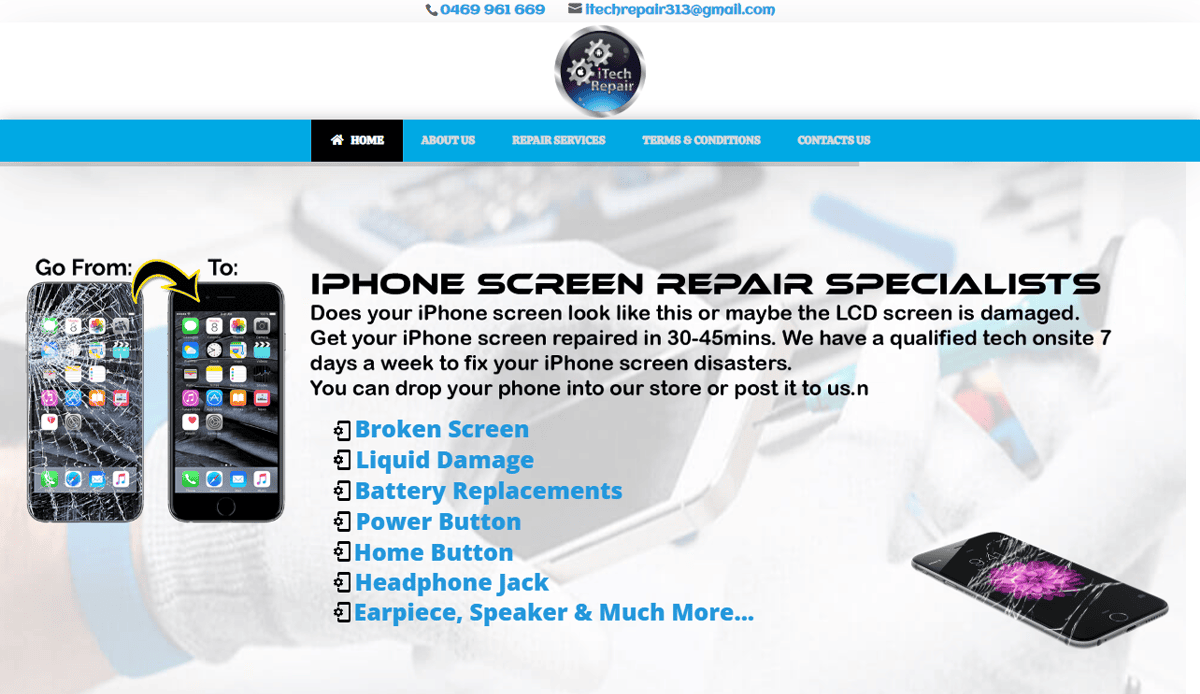
1. iTechRepair Pro
Location: Chicago, IL
• Clean, intuitive interface with prominent “Book Appointment” CTA above the fold
• Services organized by device type with in-page FAQs enhancing content and SEO
• Real customer reviews featured on each service page build social proof
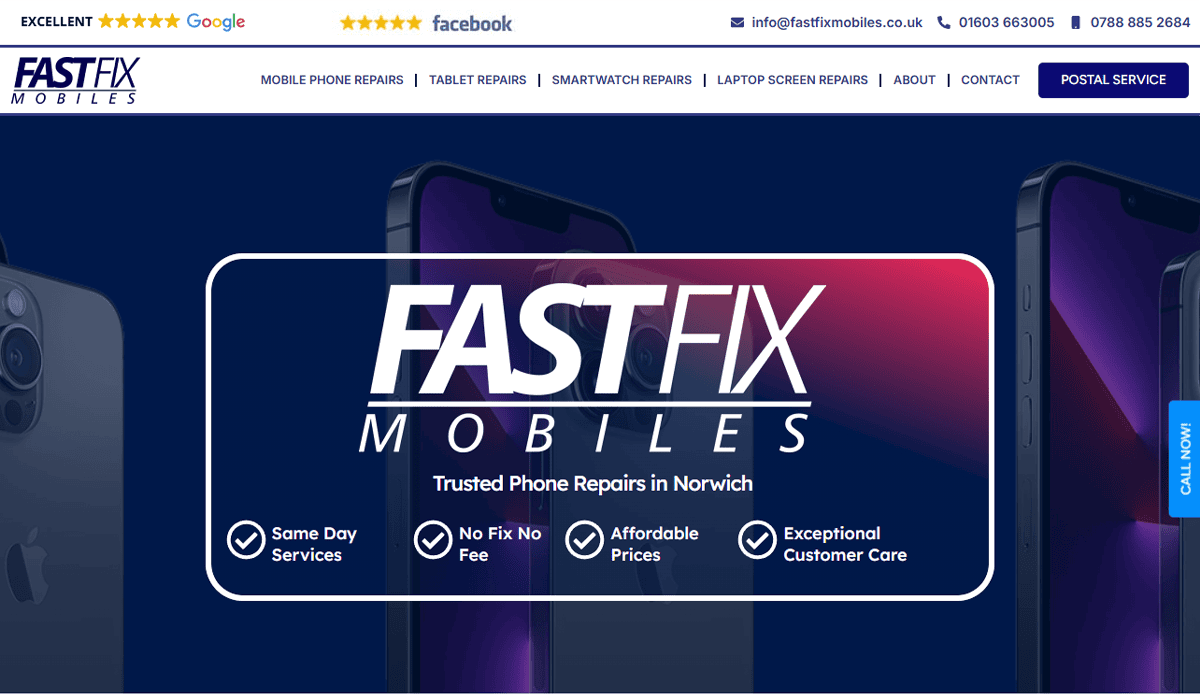
2. FastFix Mobile Repair
Location: Denver, CO
• Streamlined online booking form integrated into homepage
• Detailed service breakdowns with pricing and quick turnaround info
• Case studies and testimonials (“services and customer testimonials”) reinforce trust
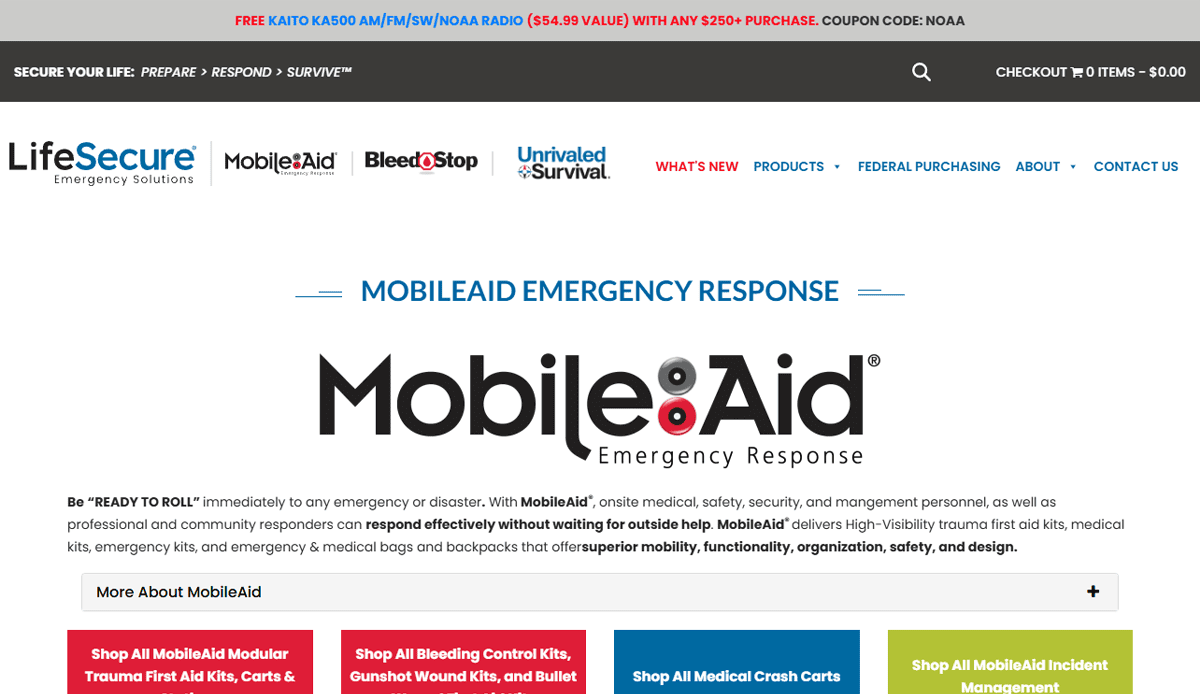
3. MobileAid Solutions
Location: Austin, TX
• Personalized homepage template designed to guide users seamlessly through services
• High‑contrast hero with clear “Repair Their Phones” messaging and brand visuals
• Use of video tutorial and repair process visuals improves user experience (“interface”)
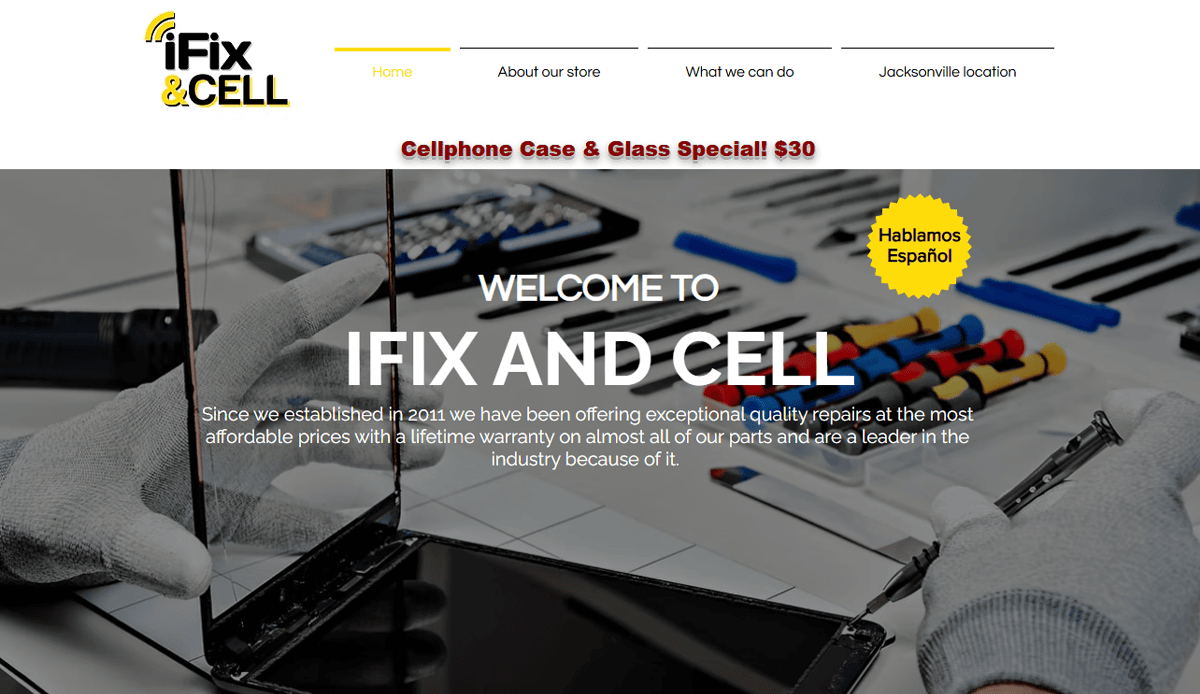
4. iFix & Cell
Location: Jacksonville, FL
• Locally owned shop with 75 years of combined certified technician experience, instilling strong credibility
• Lifetime warranty on almost all parts plus no diagnostic fees, which boosts customer satisfaction and trust
• Clear service pages covering cracked screens, charging ports, motherboard repairs, and more, providing essential information

5. NextGen Repair Co.
Location: Seattle, WA
• Customizable appointment widget (“online booking”) matrix by device and issue
• Strong local SEO focus with location pages for multiple service areas
• Polished testimonials highlight customer satisfaction and repeat business
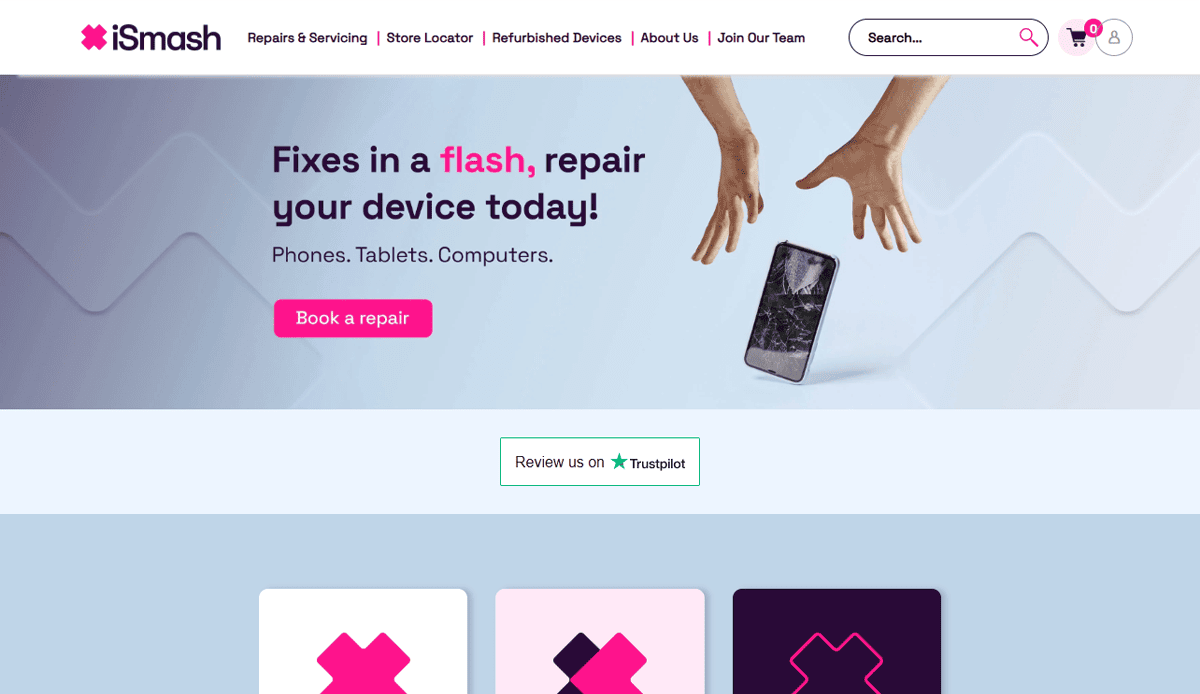
6. iSmash
Location: New York, NY
• Interactive map to locate nearest store, improving conversion
• Transparent pricing table for common repairs
• Slick “Book Same-Day Appointment” button across pages
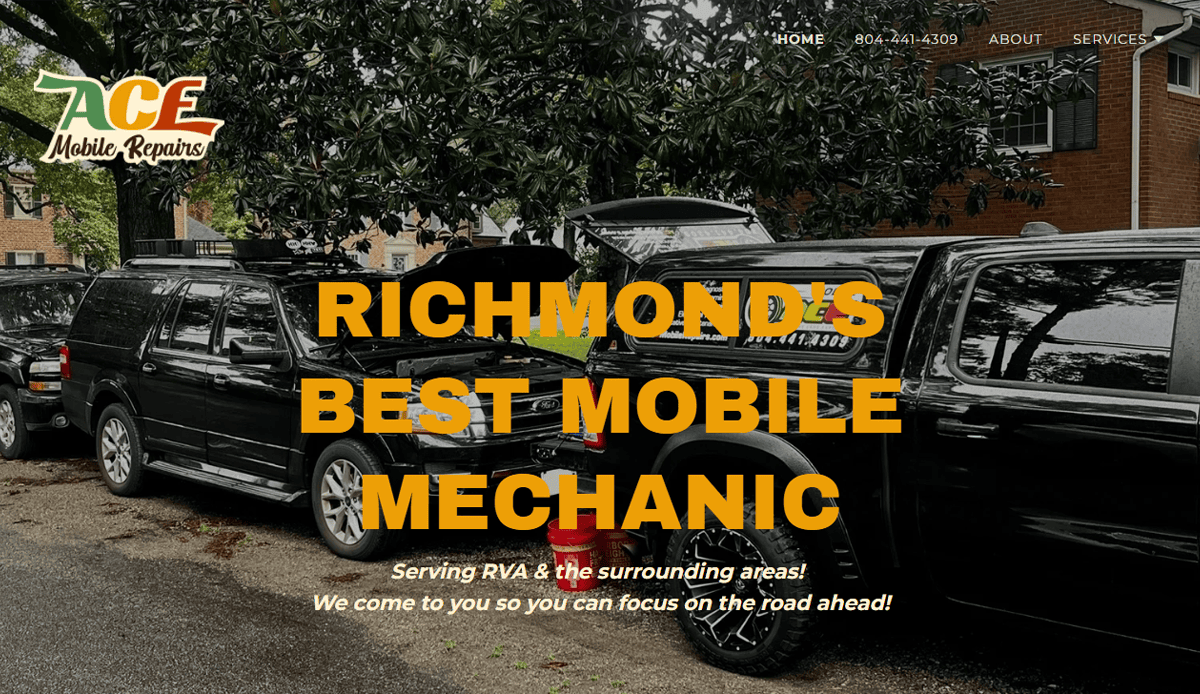
7. Ace Mobile Repair
Location: Virginia
• Before-first CTA with “Book Now” anchor for instant conversions
• Repair process infographics to educate visitors
• Customer reviews and ratings highlighted on homepage

8. Puls
Location: Los Angeles, CA
• Mobile-first booking interface emphasizing on‑site repair services
• Solid combination of text, tutorial videos, and service info
• Integrated review widgets to showcase real-time feedback
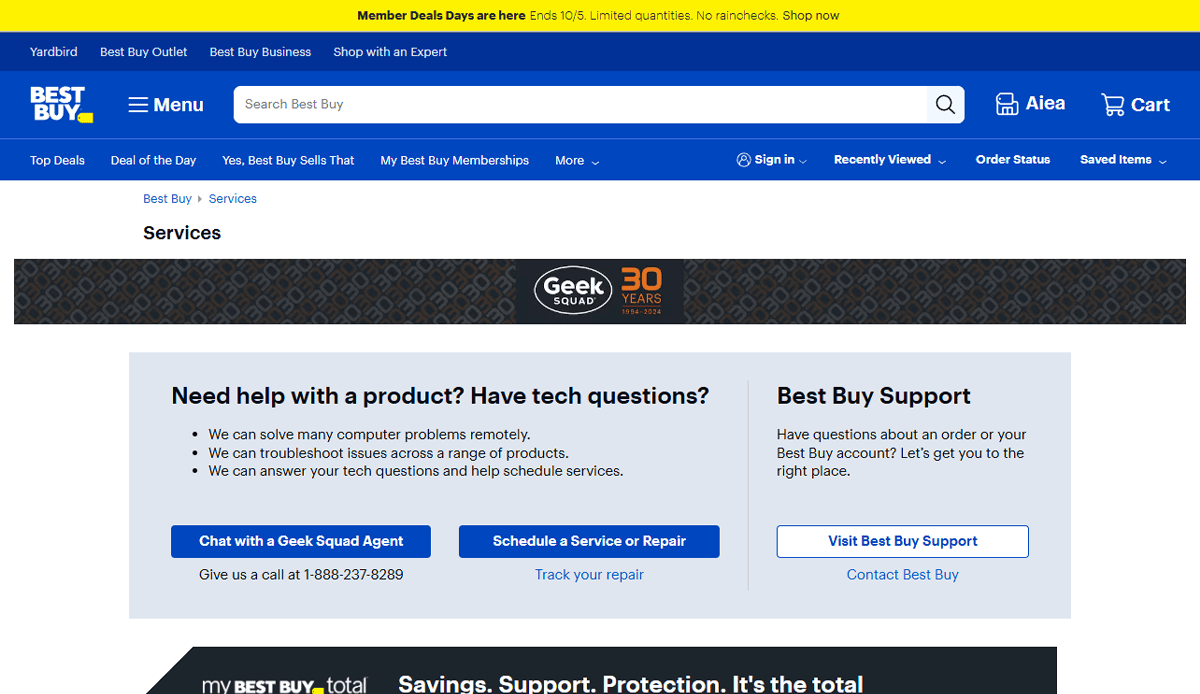
9. Geek Squad Mobile
Location: Atlanta, GA
• Accessible navigation tailored to emergency repair services
• “Schedule a Visit” CTA is always visible in header
• Strong cross-sell of related electronics services
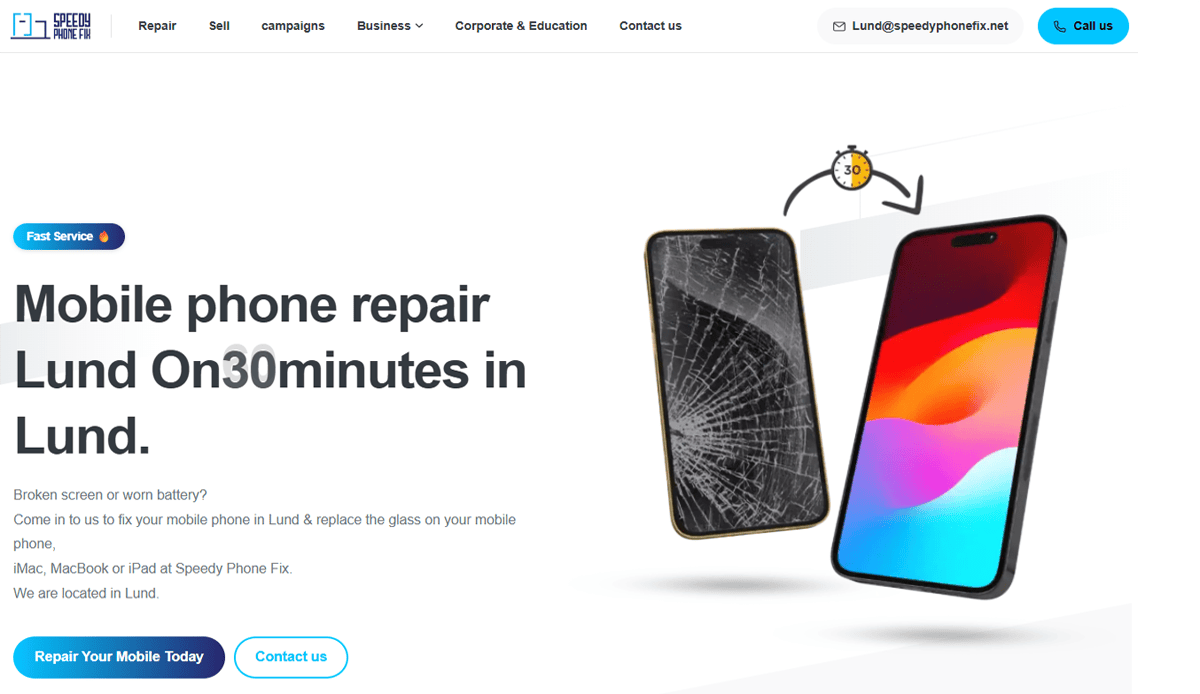
10. Speedy Phone Fix
Location: San Antonio, TX
• Mobile-first interface optimized for local search
• Real-time chat support integrated site-wide
• Before-and-after galleries showcasing repair quality
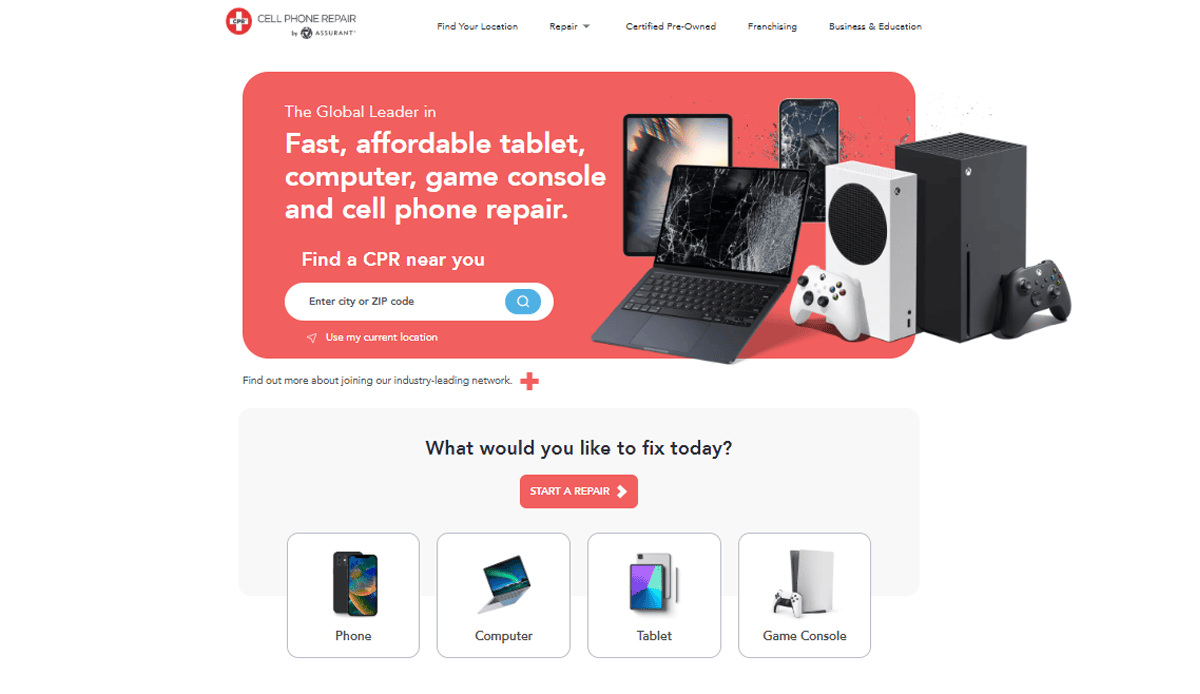
11. CPR Cell Phone Repair
Location: Dallas, TX
• Live chat integration available site‑wide
• Local store locator with hours and contact info
• Structured service content improves SEO targeting
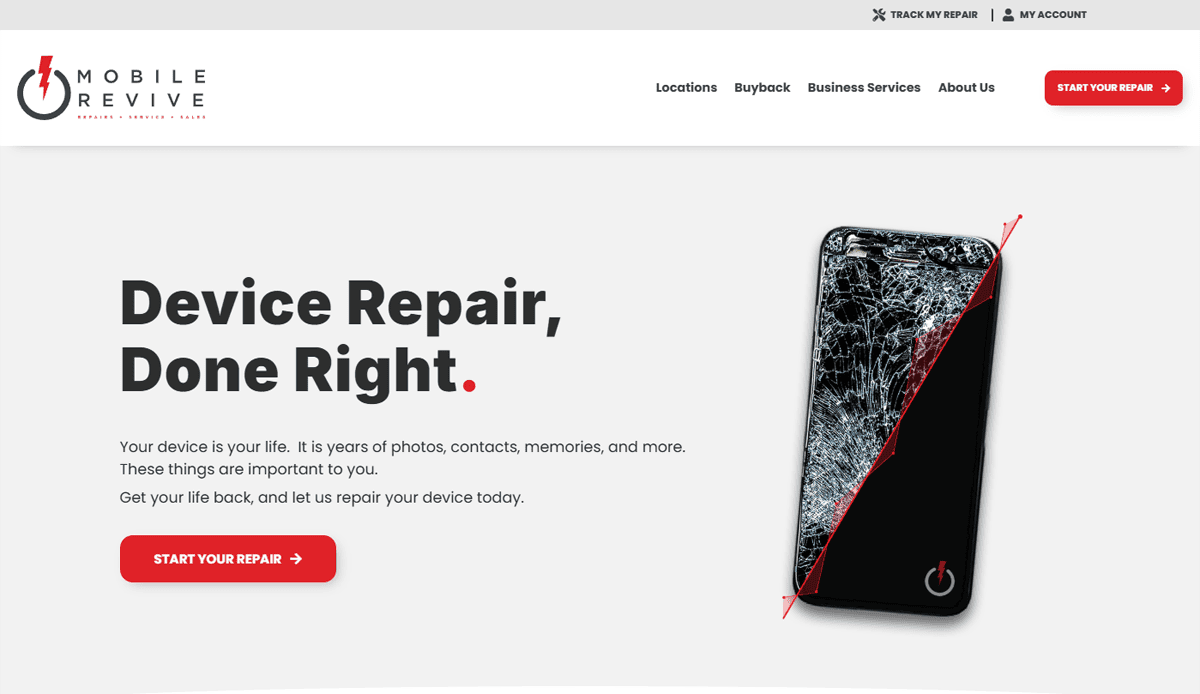
12. Mobile Revive
Location: Nashville, TN
• Clean modular layout makes navigation intuitive
• Service overview with tutorial-style explanation of repair steps
• Customer satisfaction metrics displayed near CTAs
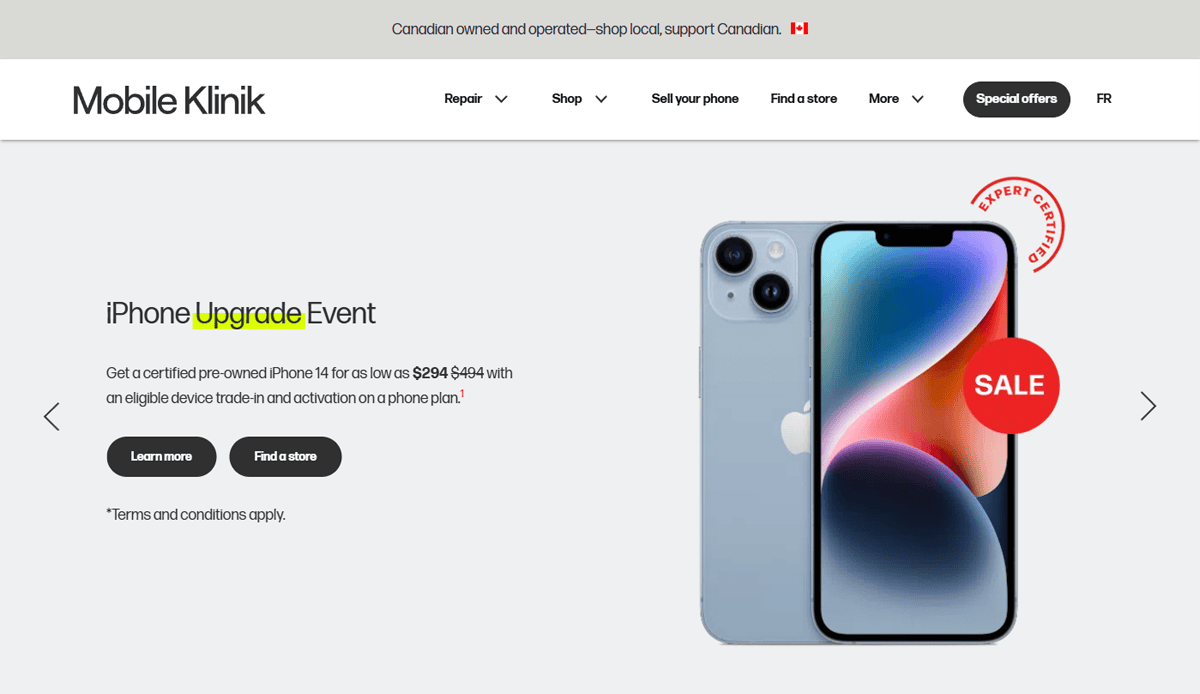
13. Mobile Klinik
Location: Houston, TX
• Bold use of icons and color-coded service categories
• Quick quote calculator on homepage
• Engaging content with repair tutorials and tips
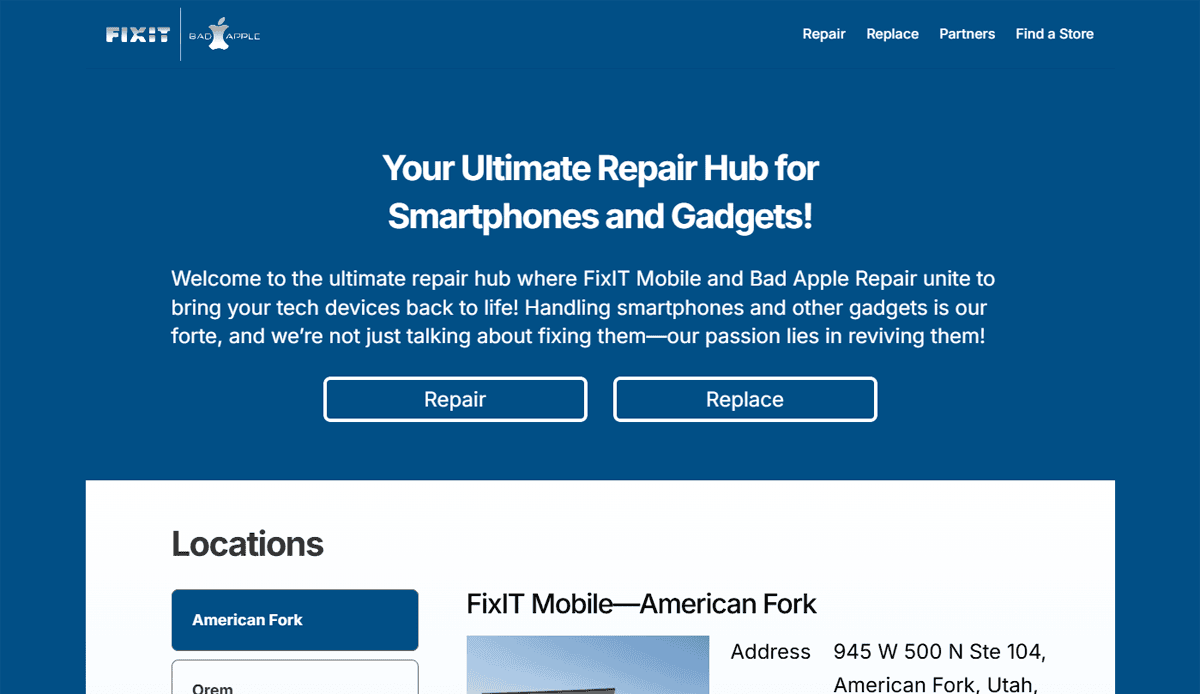
14. Fixit Mobile
Location: Miami, FL
• Parallax hero showing repair in action
• Clean categorization by device and damage type
• Customer reviews present near booking CTA

15. Fix2U
Location: Phoenix, AZ
• On‑site repair scheduling simplified with service calendar
• Tech profiles and bios improve professionalism and trust
• SEO‑optimized blog with repair tutorials

16. Quick Fix Pros
Location: Las Vegas, NV
• Simple pricing breakdown placed above-the-fold
• Booking button present on every mobile page
• Mobile-first design ensures an optimized experience
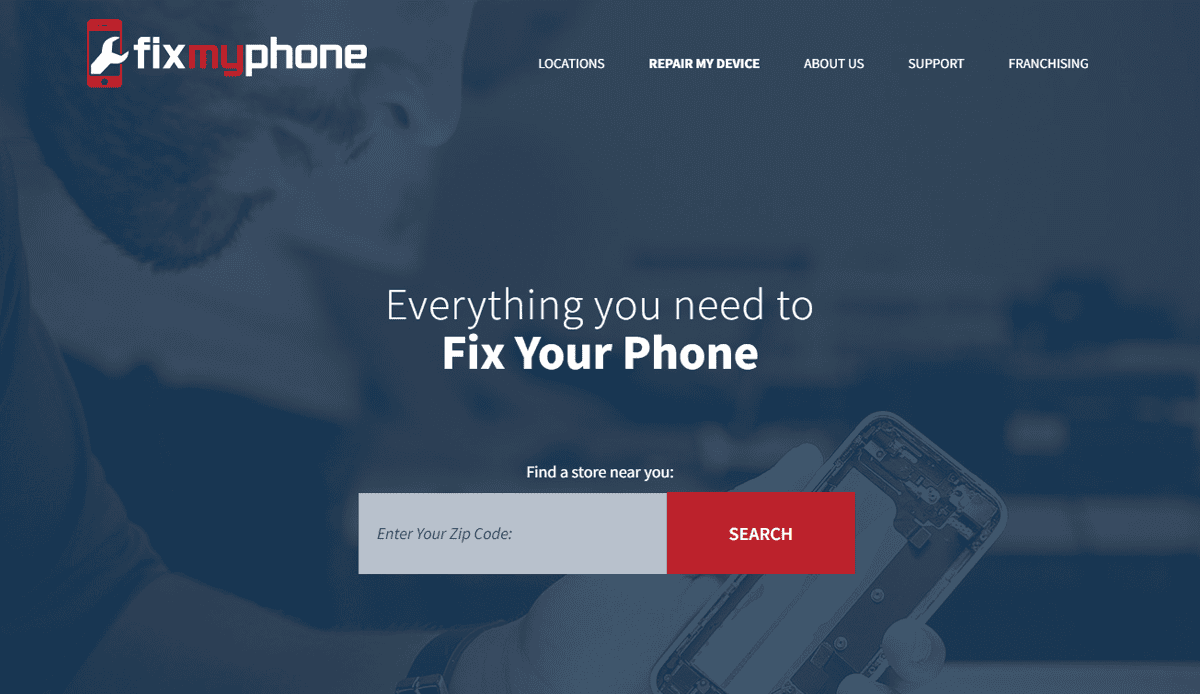
17. FixMyPhone
Location: Boston, MA
• Real-life technician photos create authenticity
• Live chat and appointment booking integrated
• Blog includes hardware repair tips and tutorials
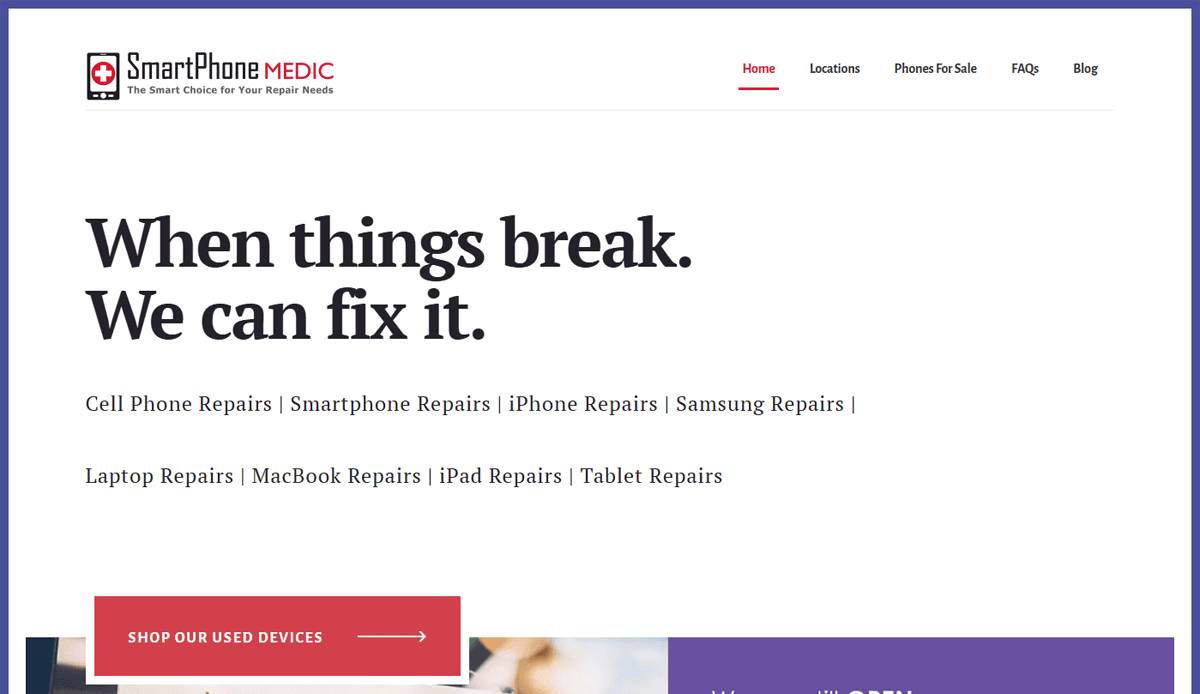
18. SmartPhone Medic
Location: Philadelphia, PA
• Step-by-step service breakdown for each repair
• Prominent “Request a Quote” form
• Customer satisfaction metrics and reviews showcased
These sites showcase best practices in navigation, booking experience, SEO-friendly templates, mobile-first interfaces, and high-impact customer content. Those examples that were designed by our agency demonstrate how to tailor a website to repair shops, leveraging local SEO, user experience, and service-focused content seamlessly.
Ready to Build a Website That Drives More Repairs?
If your current website isn’t helping you attract more customers, streamline online booking, or showcase your services clearly, it’s time for a change. Today your website is often the first impression prospective customers get. It needs to be fast, trustworthy, and tailored to your needs—from layout to repair information to customer reviews. A well-structured, easy-to-use site designed specifically for mobile phone repair services doesn’t just inform—it builds credibility and drives real results.
Our full-service digital marketing agency specializes in website creation for cell phone repair professionals. Whether you’re launching a new site or revamping an old one, we guide you through every step of the creation process—from design and interface to content with relevant keywords and local digital marketing strategies. Our approach ensures your website is mobile-friendly, optimized for search, and structured to convert visitors into paying customers.
Let’s make your digital presence as strong as your in-store service. Contact us today to get started on a website tailored to your repair business and built for customer engagement.
Frequently Asked Questions About Cell Phone Repair Website Design
How important is a website for a local business?
A website is essential for repair shops that want to attract new customers and compete in the digital landscape. Whether you operate from a physical store or run a mobile repair business, your site acts as your 24/7 storefront. It helps establish credibility, showcase services and customer testimonials, and provides essential information like location, pricing, and online booking.
Can I use a template for my phone repair website?
Yes, using a template designed specifically for the repair industry can accelerate the creation process. However, be sure to customize it to reflect your brand identity and customer needs. A template can serve as a strong foundation, but adding original content, images, and localized SEO will help you stand out and attract more local traffic.
What website platform should I choose?
WordPress is a popular option because of its flexibility and wide plugin ecosystem. For a no-code experience, platforms like 10web offer AI-driven solutions that streamline the setup while still allowing for customization. The best choice depends on your design skills and how much control you want over the user experience and updates.
How do I ensure my website provides a great user experience?
To enhance user experience, your website should be fast, mobile-optimized, and easy to navigate. Prioritize clear calls to action, logical service categorization, and visible customer reviews. You can also leverage our guide to the web design process for step-by-step insight on building with the user in mind.
Should I include customer testimonials on my website?
Yes, showcasing customer testimonials is a powerful way to build trust and improve conversion rates. New customers are more likely to choose your repair shop when they see that others have had a positive experience. This content should be placed near key services or calls to action to reinforce your reputation.
What should I include on my homepage to attract customers?
Your homepage should include an overview of services, pricing highlights, a brief introduction to your team, customer reviews, and direct calls to action like “Book Now” or “Get a Free Quote.” Don’t forget to include contact information and location details to guide visitors to your physical store.
Can I build a website without technical skills?
Yes, no-code platforms allow you to create professional websites without writing a line of code. Tools like 10web or hiring a team like ours can help you build a site tailored to your needs while ensuring it loads fast and meets modern design standards.
How often should I update the content on my site?
Updating your site regularly with content that includes tutorials, frequently asked questions, or blog posts helps with SEO and demonstrates that your business is active. It also provides useful information for customers looking to repair their phones and keeps your site aligned with seasonal services or promotions.
How does a website help in attracting potential customers?
An optimized website allows you to attract potential customers through search engines, improve customer satisfaction with streamlined service booking, and convert visitors by delivering content seamlessly. It’s also a key tool in standing out from competitors in a saturated market.
What role does design play in customer satisfaction?
Strong design improves usability, builds trust, and supports the overall customer journey. Even if you use a template, good design ensures that your site communicates professionalism and is easy to navigate. Poor design, on the other hand, can drive visitors away before they even explore your services. For deeper insight into foundational design, check out our web design principles guide.